How it works
From a sticker on the cellophane to your reports
Three parts: connecting your brand, making the codes, and reading what comes back. Here is each one.
Claim your brand
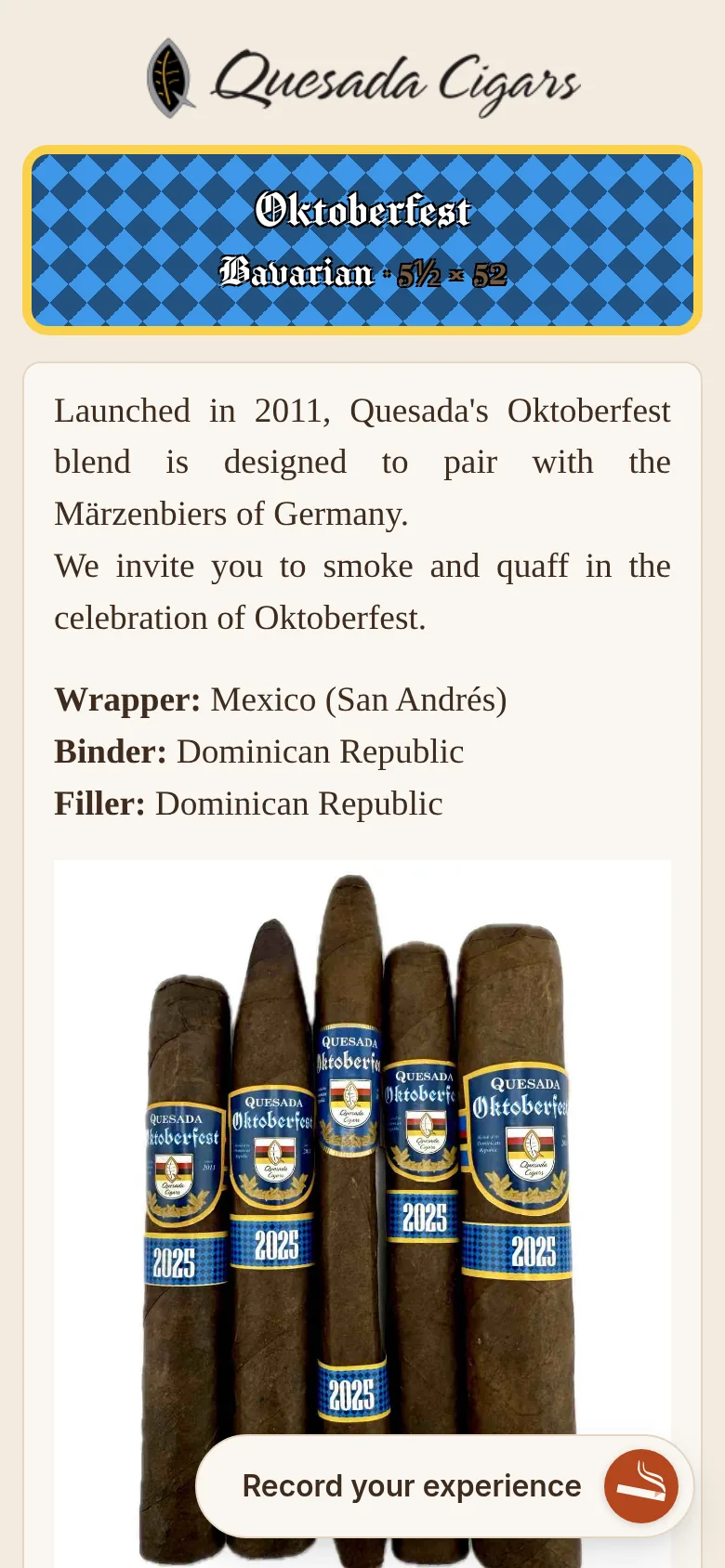
QRcigar runs on CigarShare, where cigar smokers log and rate what they smoke. Its catalog covers more than 400 brands with their lines and vitolas, so your brand is most likely already there. We connect your account to it, at a trade show or over email.
Once connected, each line gets its infoblast: the page a smoker lands on when they scan, with your branding, your language, your images and video, and your links. Send us your text and artwork and we build it. Put as much or as little on it as you want: the story alone, or the blend, where the cigars are rolled, and the vitolas too. Change any of it whenever you like, from a phone if you want; the printed codes stay the same.
Make and print your codes
A code can cover a whole line, one vitola, or one release: as fine or as coarse as you like. Pick the colors for the code, the text, and the background so the label fits the band, then download it and print it yourself or through your print shop.
A code is permanent. If you make a new batch of labels a year from now, it draws the same code, and even a code you’ve retired still opens the cigar’s page, because somebody has one in their humidor.
Read your reports
When someone scans a label they land on your infoblast and read what you wrote. When they smoke the cigar they can rate it: how it burned and drew, what they tasted, how strong it was, and afterwards whether it was worth the price and whether they’d buy a box. Those ratings become your reports.
Your reports show all of this per code, per vitola, and per line, over any window you choose, against the period before and the same period last year. If one vitola is drawing tight, you see which one, and when it started.
What the smoker sees
A scan opens your infoblast in their browser: your page, as you wrote it. Rating the cigar afterwards takes about a minute, as a guest or with an account, and the rating is about the cigar, not the smoker.
- A phone camera and a browser.
- Rating is quick: burn, draw, a few notes, a score.
- Guests and members alike; an account is optional.
- Ratings reach you as totals, never as names.
Ready to put QRcigar on your cigars?
Tell us about your brand and we’ll get you set up, usually the same day.